In the Documents area, you can create contracts and proposals. They work the same way, so these steps apply to both.
Create a document
Go to Documents, choose Contracts or Proposals, then click Add Contract or Add Proposal.
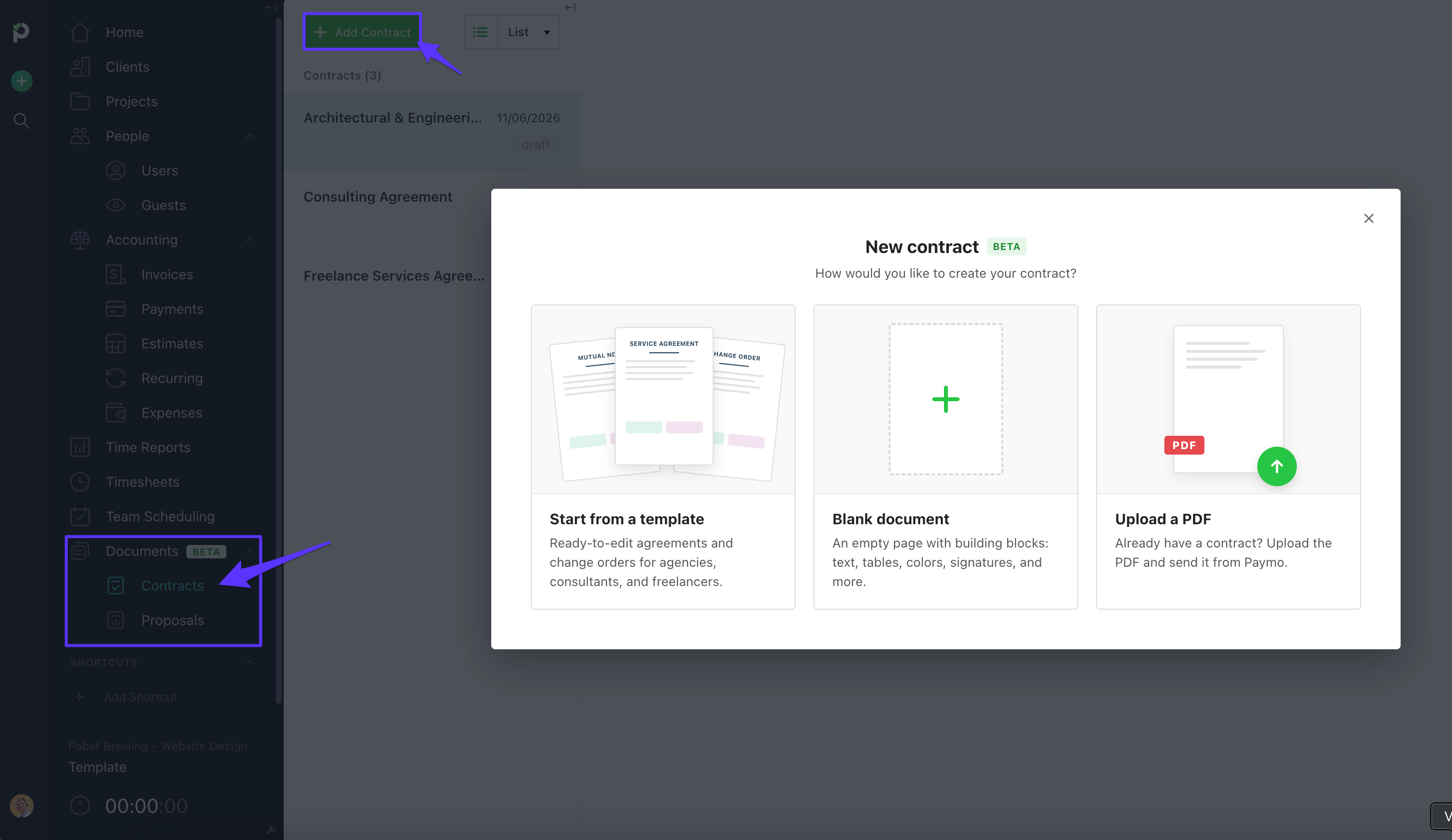
You can start in three ways:
Use a template. Templates include a service agreement, a mutual NDA, and a change order.
Start with a blank document and build it yourself.
Upload a PDF you already have and send it from Paymo.
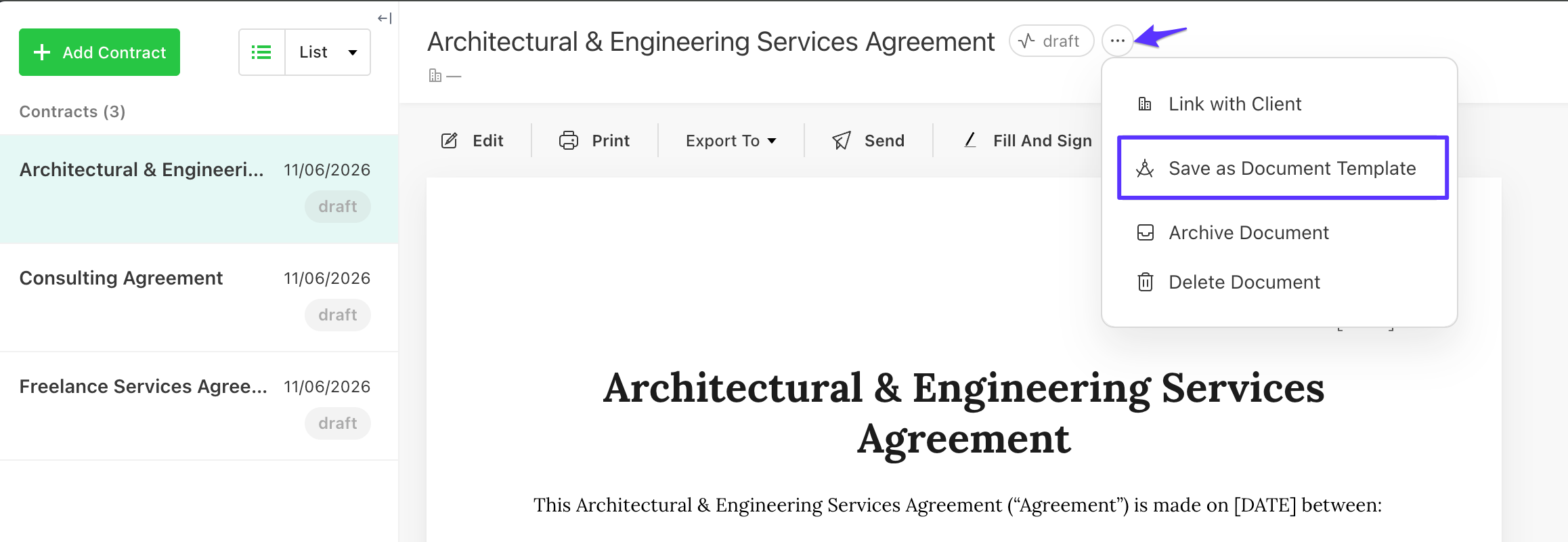
If you customize a document you like, you can save it as a template and use it again later.
Customize your document
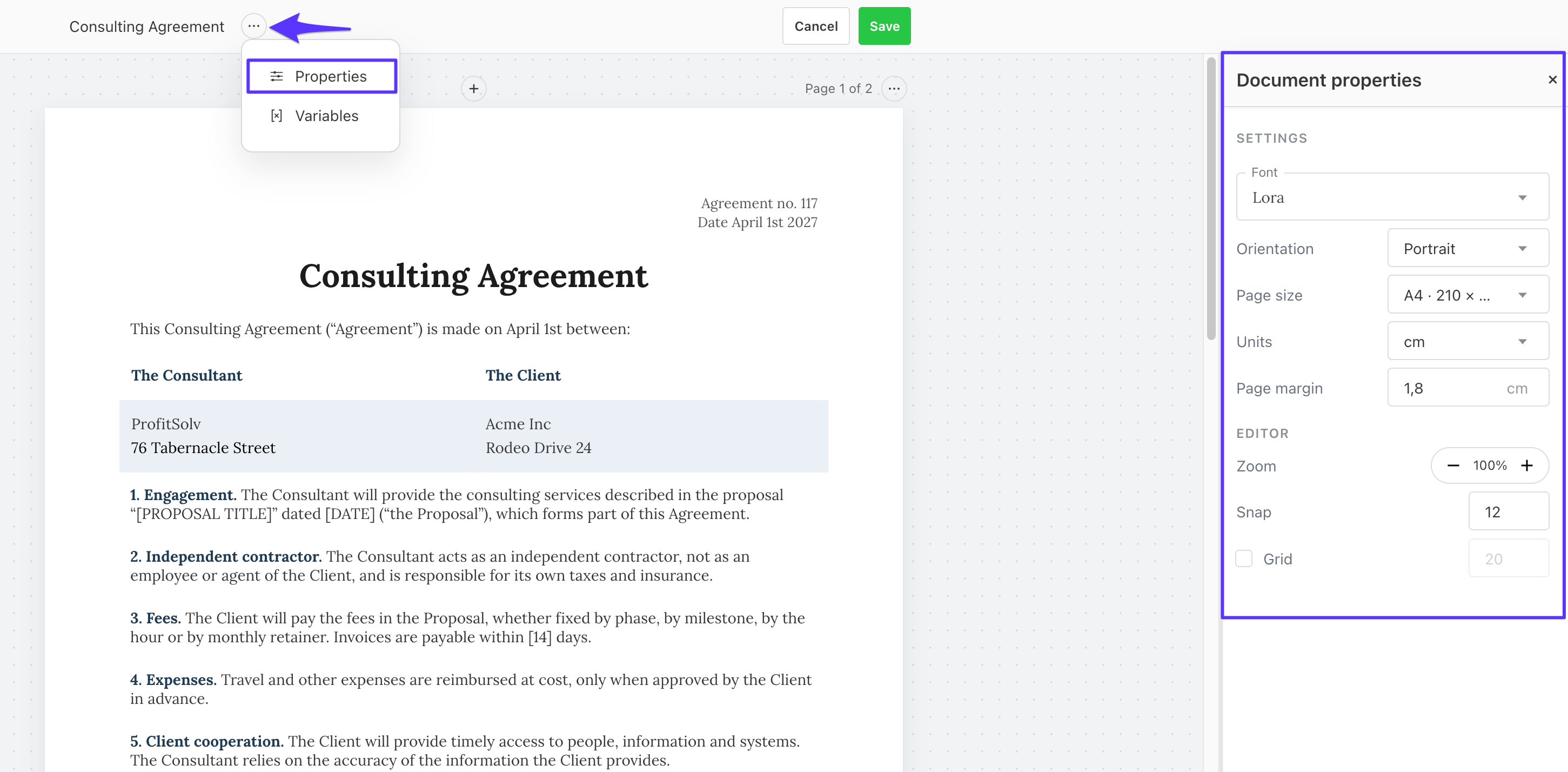
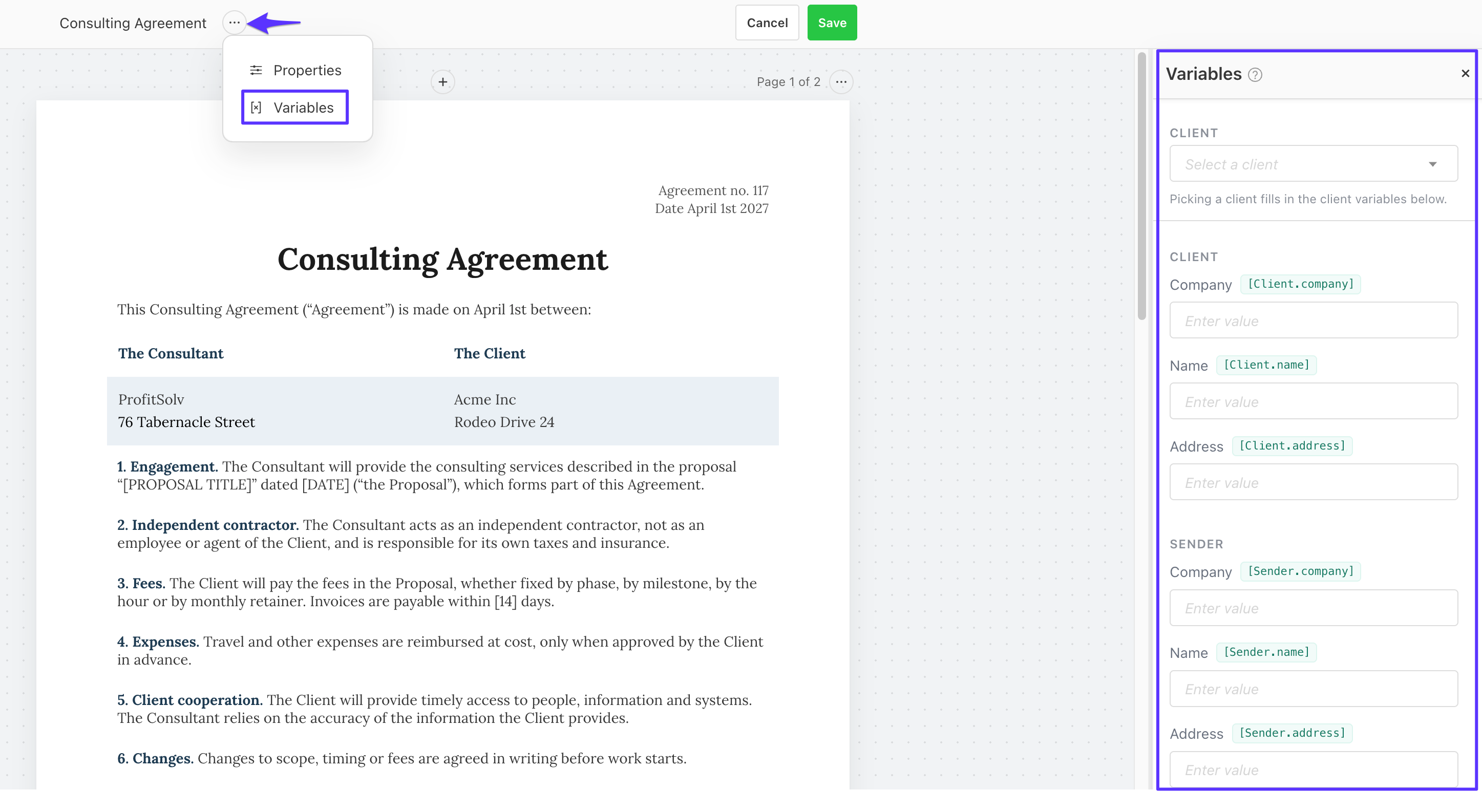
Under document properties, you can change the font, orientation, page size, and zoom. You can also use variables such as client, company, sender, and address, which fill in automatically.
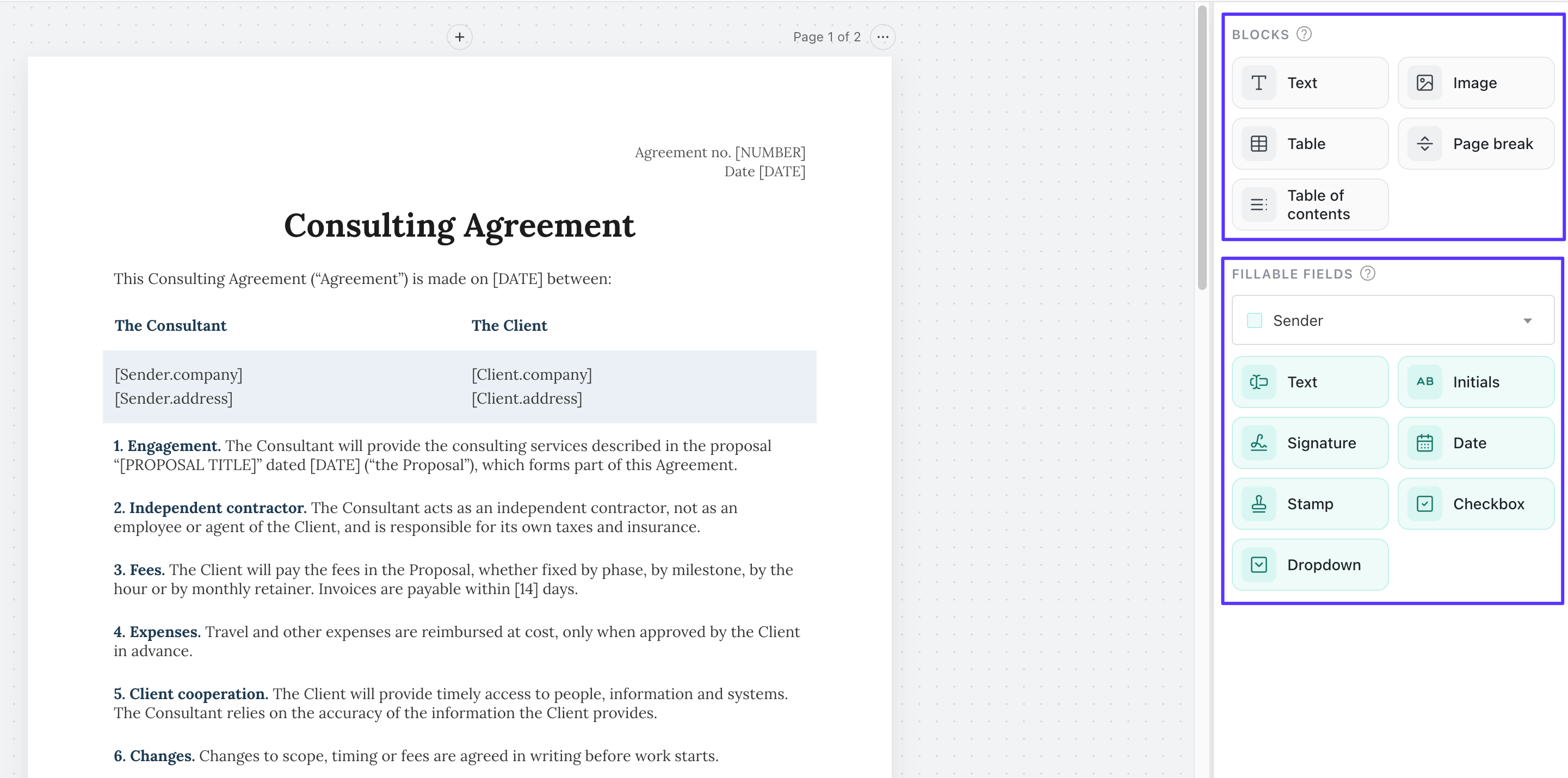
To add content, drag and drop it onto the page. You can add:
Blocks, such as images, text, tables, and page breaks
Fillable fields, such as text, initials, signatures, stamps, and dates
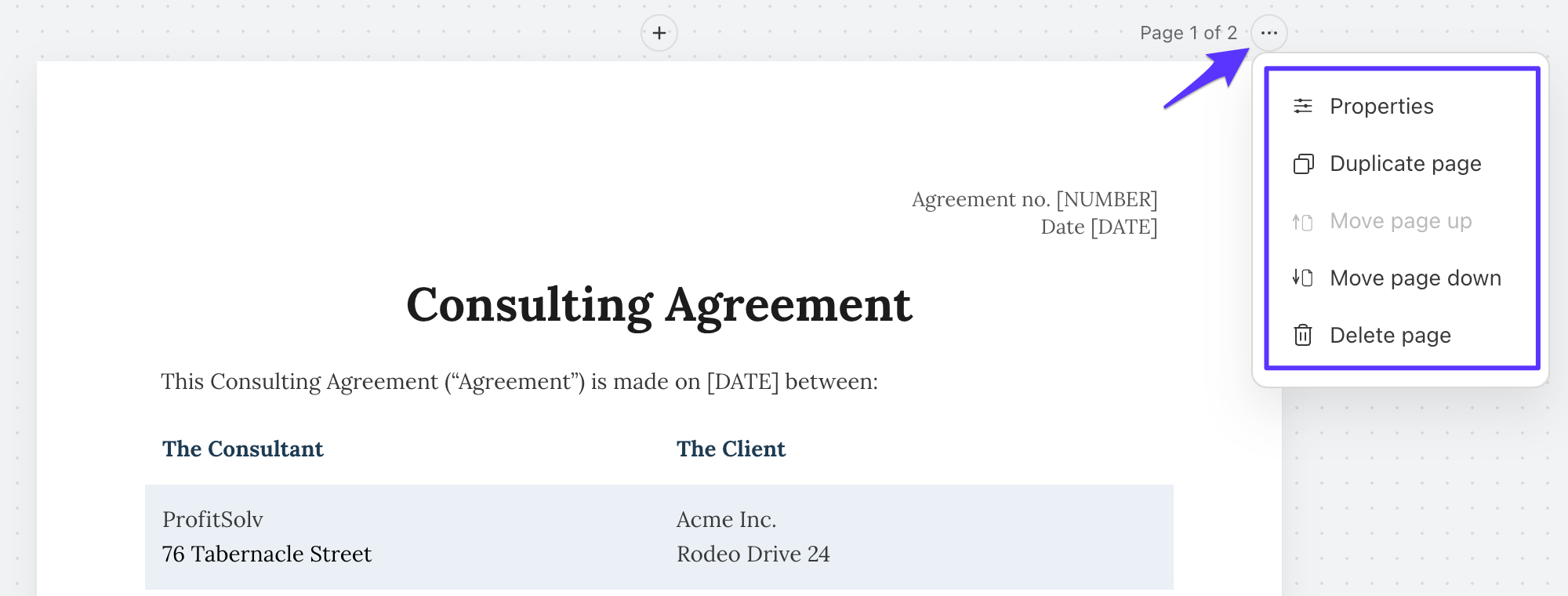
Page settings let you change the background color or image, duplicate a page, move a page up or down, or delete it.
Share your document
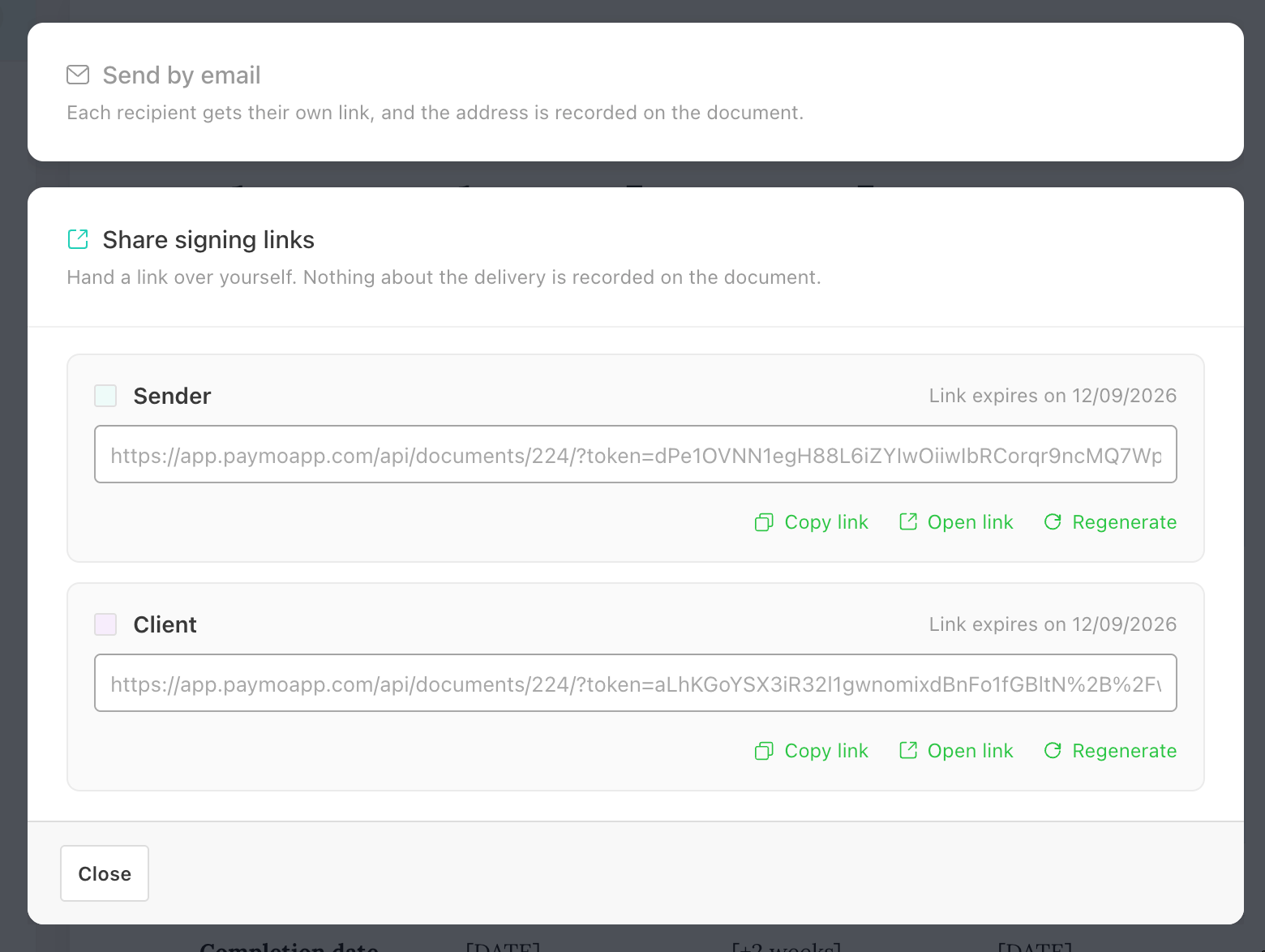
You can send the document by email or with signing links, export it as a PDF, or print it.
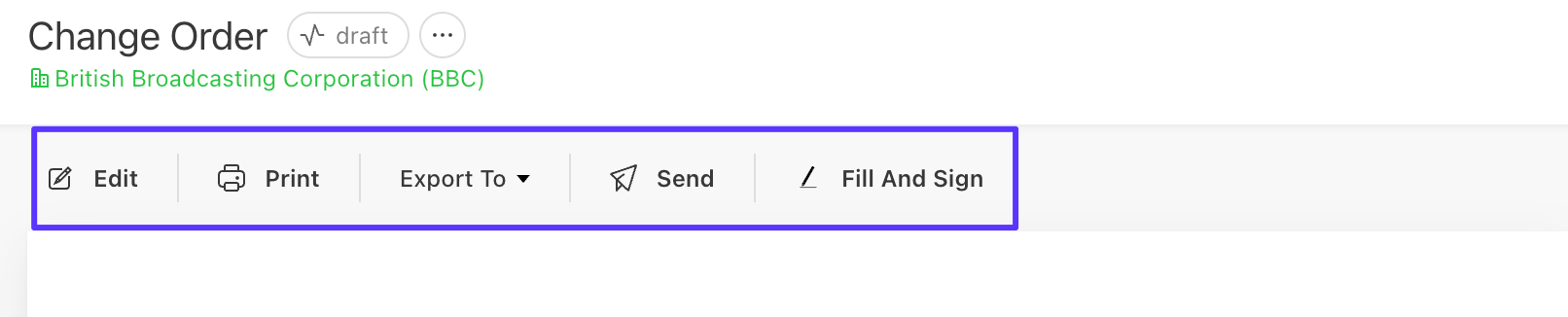
If you use signing links, you and your client each get your own link. You sign your part and your client signs theirs.
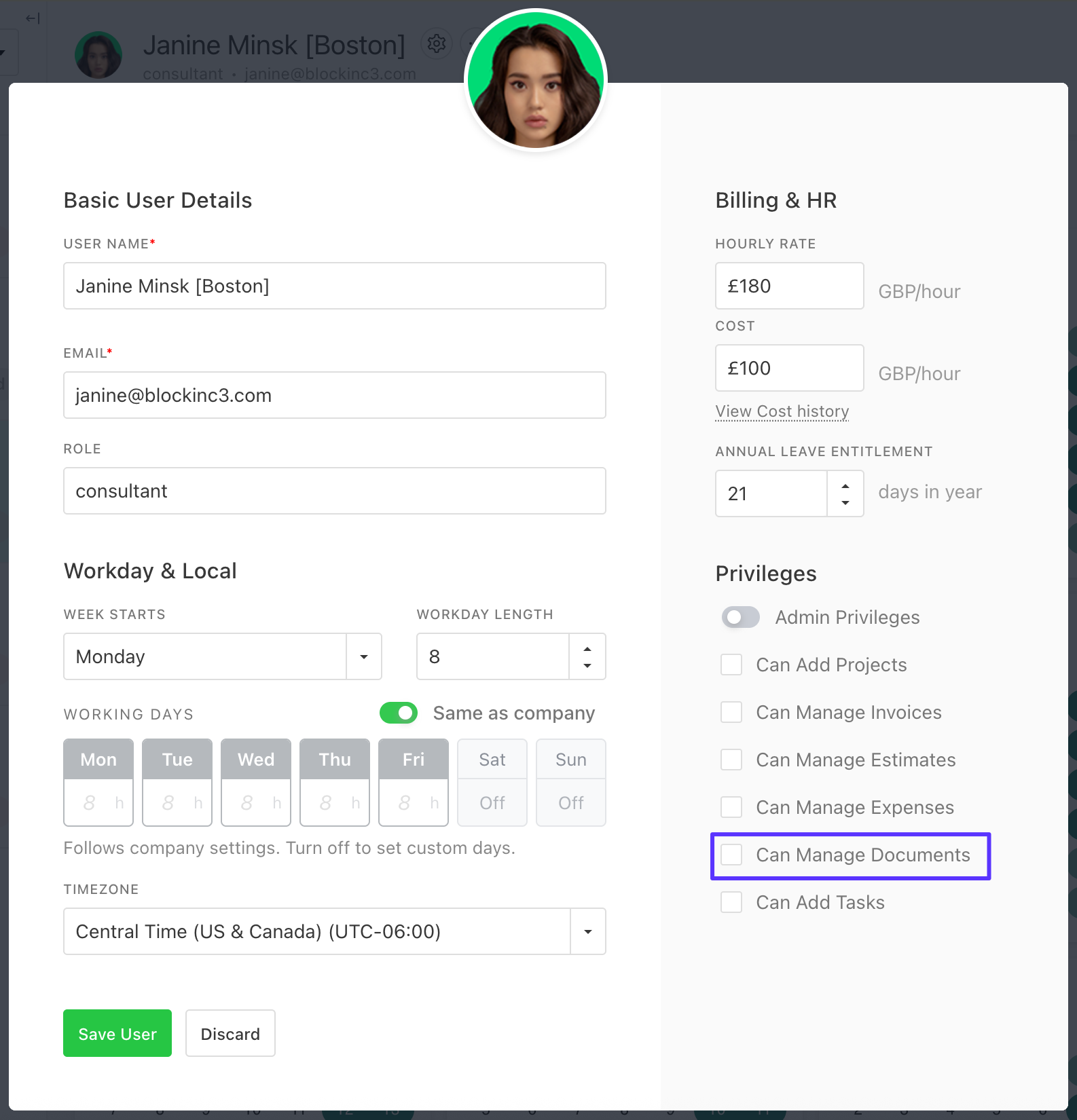
Note: admins have access by default, and regular users can be given access to manage documents from the user settings area.