
To set non-working days like vacation or bank holidays available across the whole company, click on your profile picture (bottom left corner) → Company settings → H.R. Settings → Leave days.
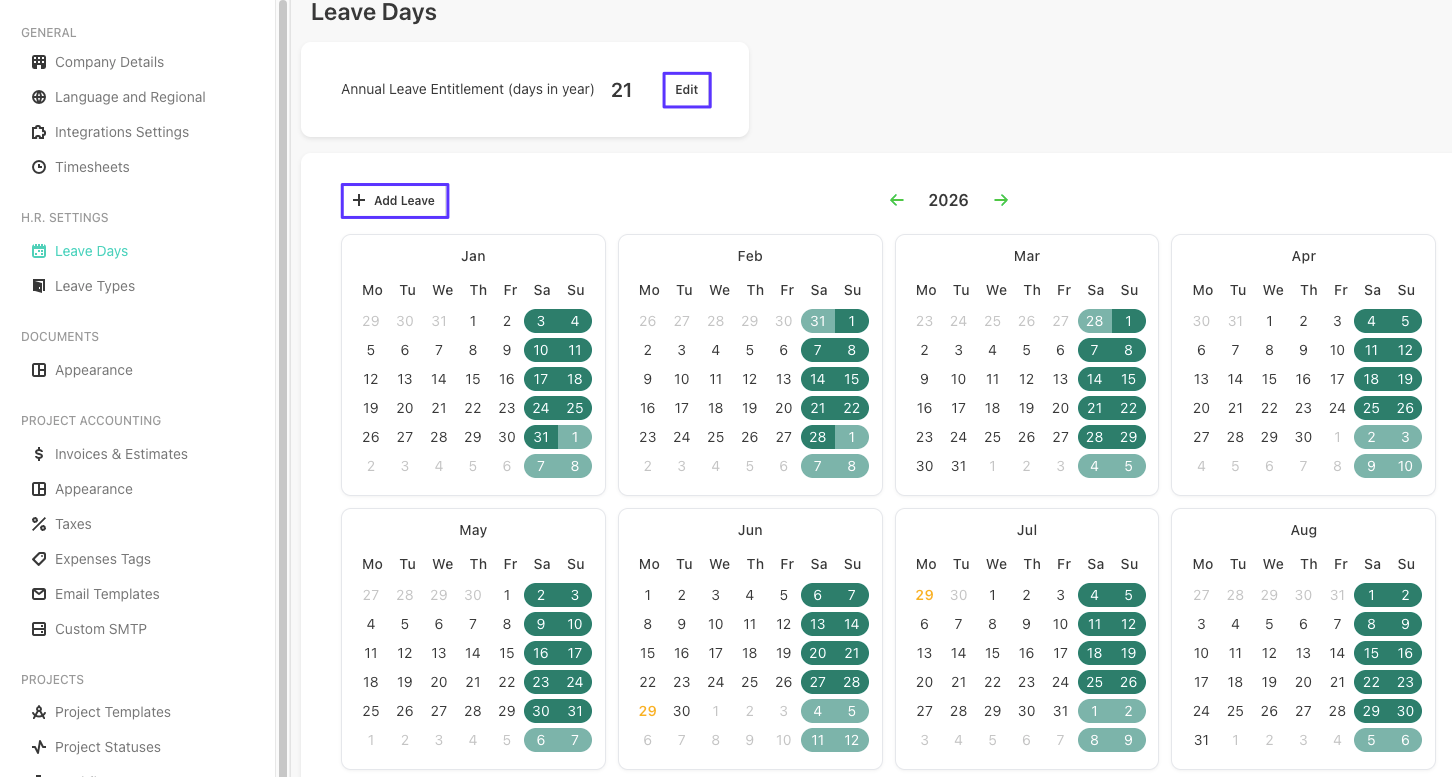
From here, start by setting the maximum number of leave days under the Annual Leave Entitlement field.
To add a leave, click on a date or Add leave button → then fill in the leave type and annotate any additional details the HR department might be interested in.
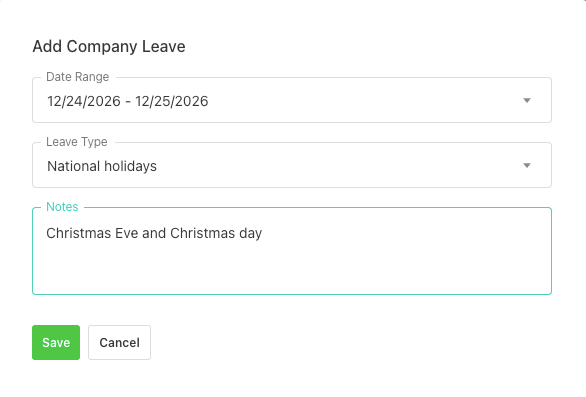
NOTE: Once added, the leave day will affect all users and appear on the calendar in teal.
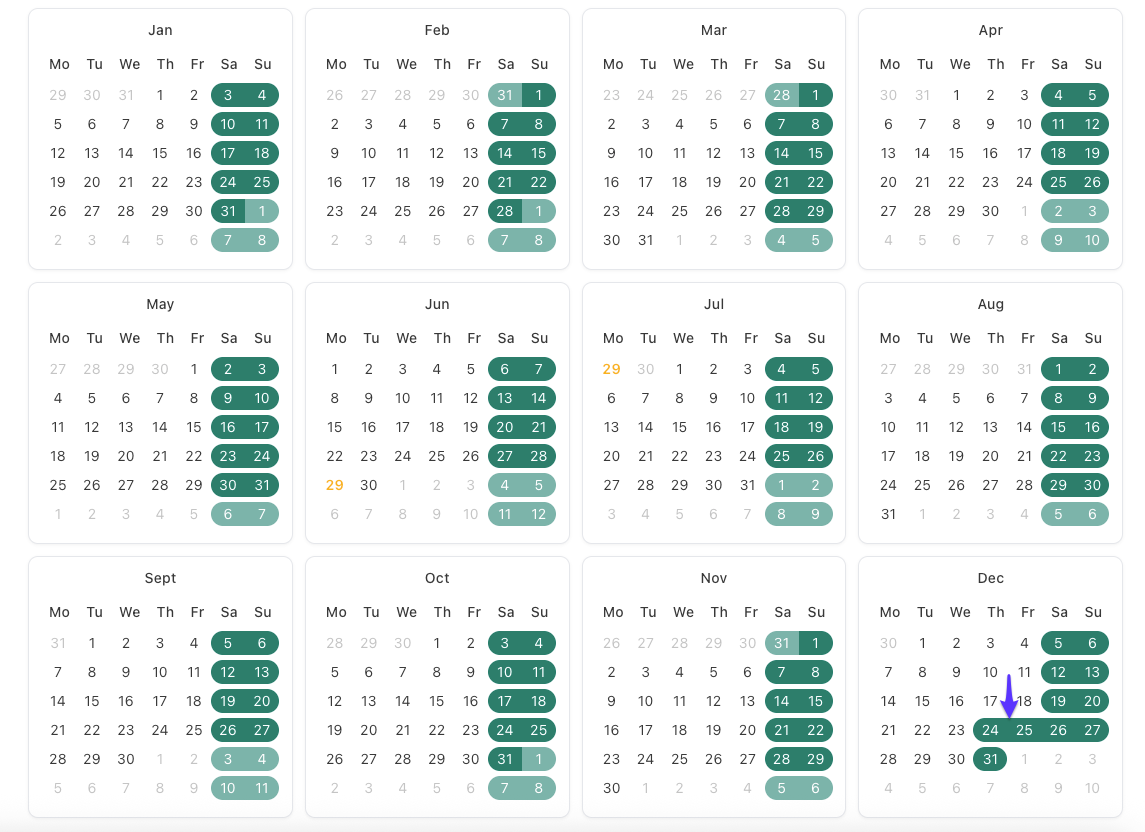
NOTE: Only admins can add leave days. Project managers and regular users will see the non-working days in the Timesheets section in a light grey color, so they can differentiate them from regular workdays.
