
If you go to Users (left menu) → Select user → Leave planner, you will be able to select the desired days off as sick days or holidays for a particular user.
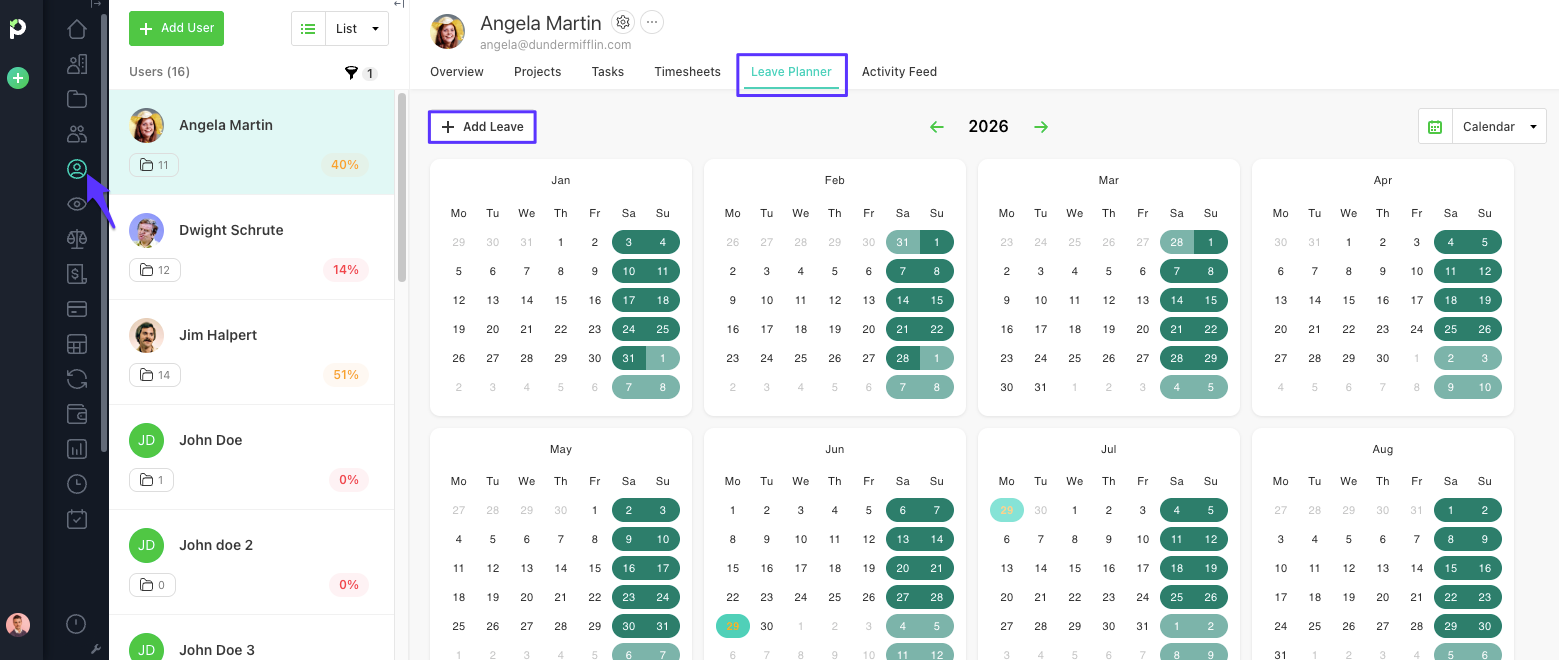
To add a day off, you can either click on Add Leave or simply on a date.
A pop-up will open where you can select a date range, the leave type, and annotate something in case your HR department needs more details.
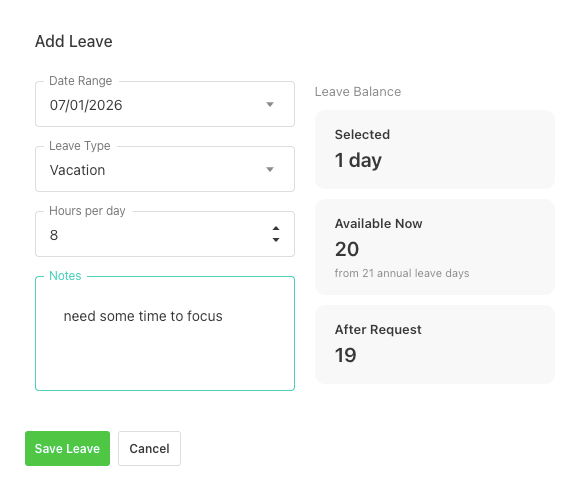
Don't worry. If the users don’t work on those days, their performance won’t be affected.
NOTE: Users will see the non-working days in the Timesheets section in a light grey color, so they can differentiate them from regular workdays.
